
Camera footage export for Windows
Exact clips from your Synology cameras
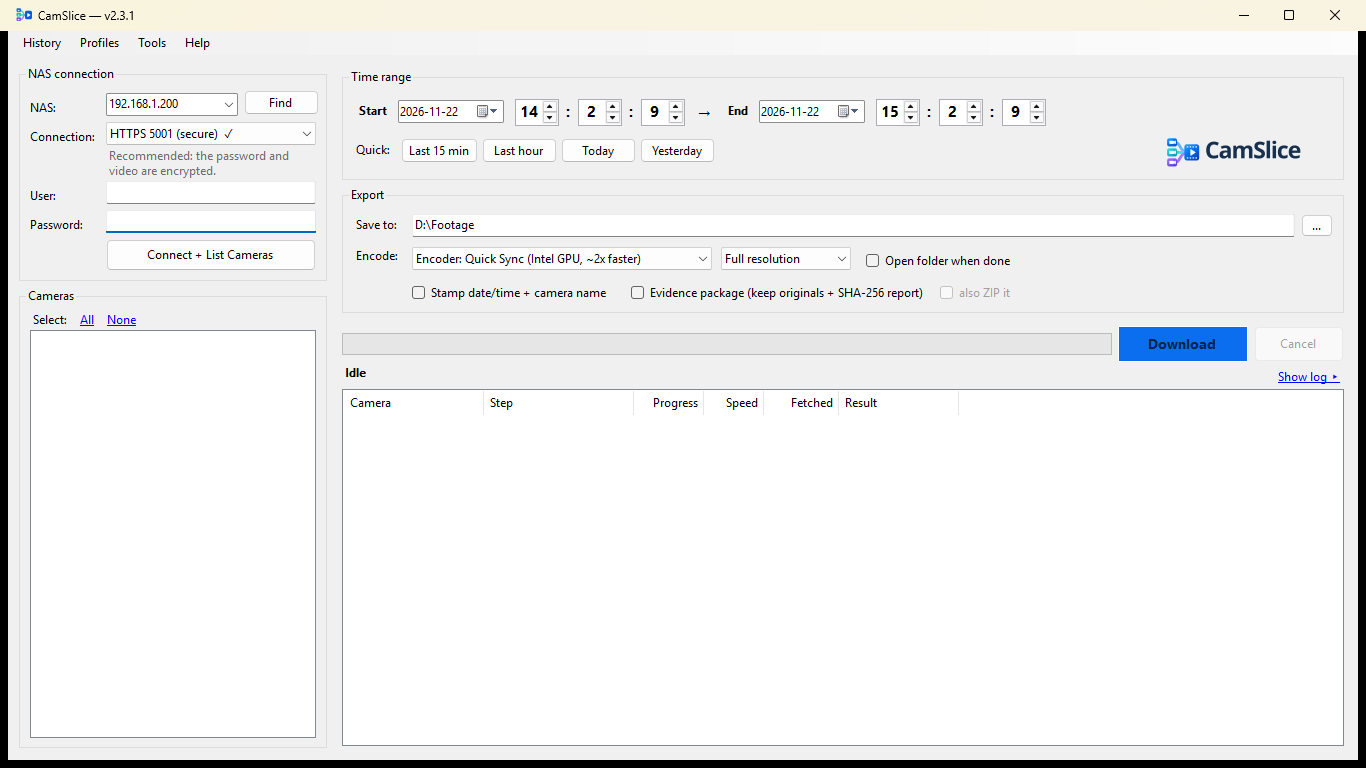
Choose your cameras and a time window. CamSlice exports one MP4 per camera from Synology Surveillance Station, ready to share.

From recordings to shareable clips
Connect to your NAS
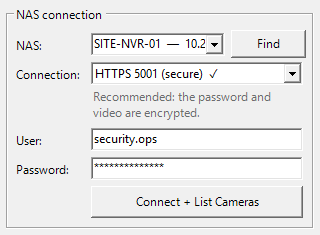
Find your Synology on the local network and sign in from CamSlice.
Choose cameras and a time
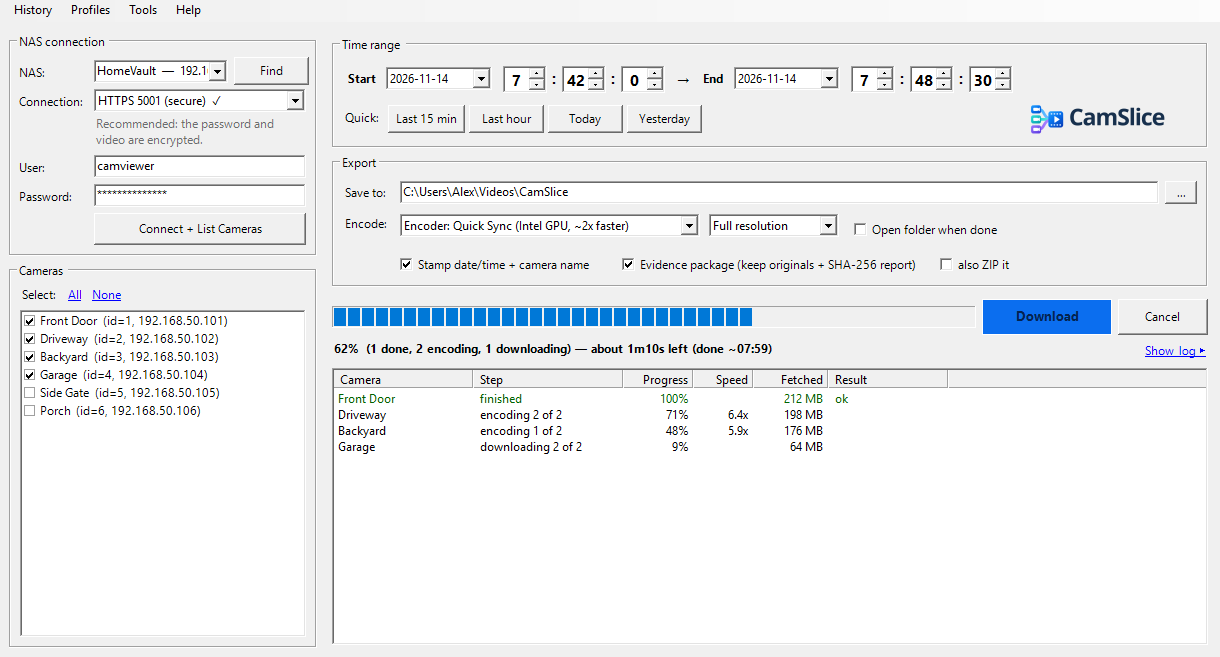
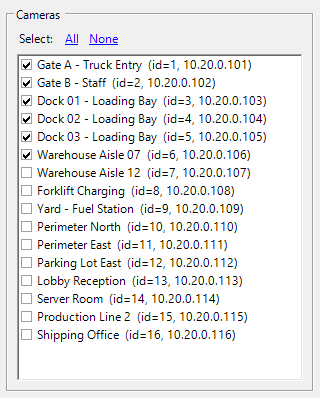
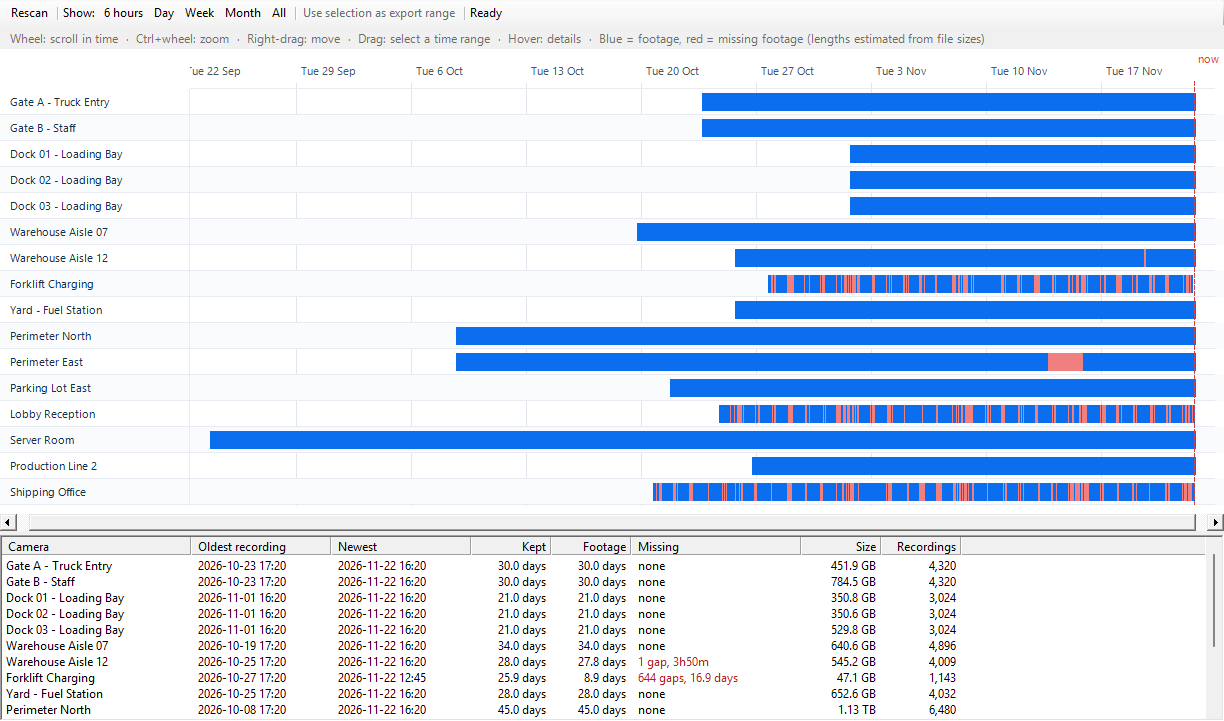
Select several cameras in one run. CamSlice reports gaps in the footage.
Export to your PC
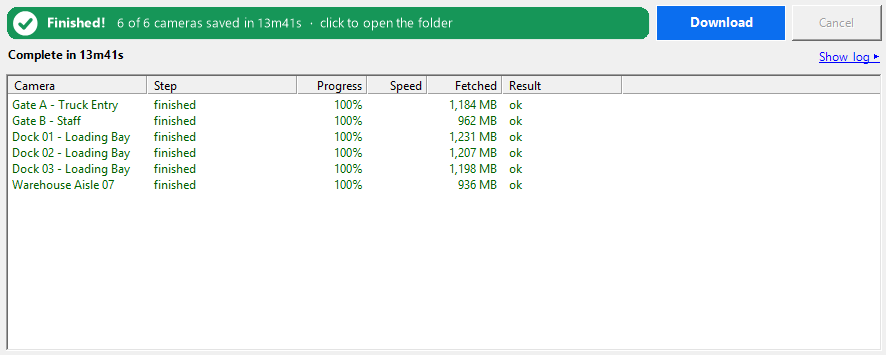
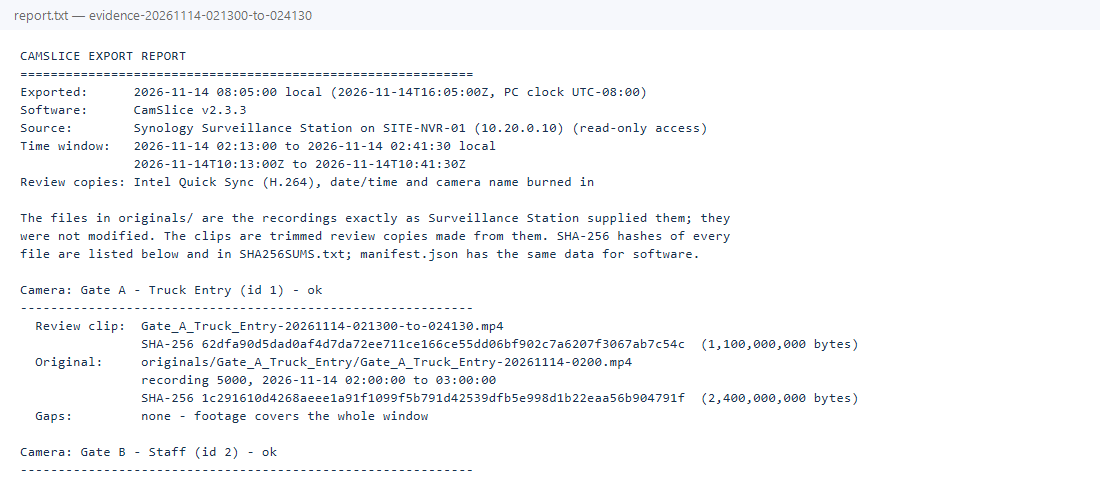
Save separate MP4s. Add a time and camera stamp, or keep the original segments with an evidence report and SHA-256 hashes.
See CamSlice in action


Read-only access
CamSlice reads recordings from your NAS and saves the exports on your PC. It leaves the source recordings untouched.
Read the privacy policyHelp with your first export
Find setup instructions, export settings, evidence packaging, and troubleshooting in the CamSlice manual.
Open the help manualComing to the Microsoft Store
CamSlice is planned as a free download with a paid upgrade. We're targeting $59.99 in the US for the upgrade, subject to Microsoft Store pricing.
Requires a Windows PC and a Synology NAS running Surveillance Station.